
Collier County Arrests Today
The Collier County Sheriff's Office Today's Arrest Reports page is the official starting point. The report holds entries for the current day. It is not a rolling twenty-four-hour list. No fixed posting time exists. No refresh timestamp appears either. That distinction matters near midnight. An arrest from late yesterday can drop off today's page even though fewer than twenty-four hours have passed. CCSO links the report from its main arrest and warrant portal.
Rows may load after the first response, because the report is dynamic. Open a result's detail link for more. A detail can carry a booking photograph. Even so, the page is a record view, not a gallery. The official same-day report shows the interface Collier County uses for today's arrest entries.
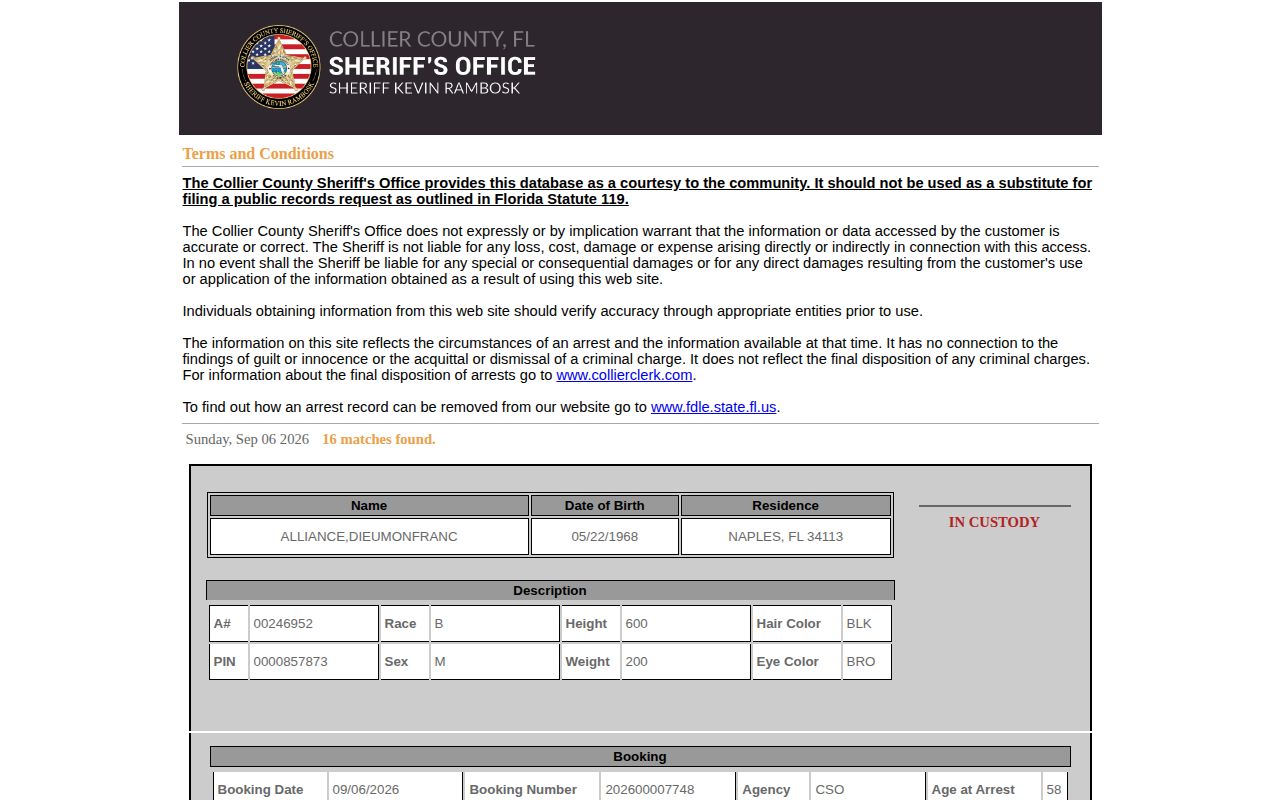
Current results live only in the source itself, so treat this image as an example of the report layout.
Check Collier Same-Day Bookings
Begin narrow. Widen the query only when today's report fails. Exact spelling helps, since the history portal offers no wildcard for partial last names. A date of birth or booking number distinguishes people with similar names.
- Open Today’s Arrest Reports and allow dynamic rows to load.
- Find the full name and open its linked detail.
- Compare date of birth and booking date when available.
- If no row appears, search the main portal with ARREST selected.
- For current custody, apply “In Custody Only” and confirm uncertainty with Jail Records.
The wider Weekly Arrest Log covers prior-date searches. That page may catch a booking that has slid past today's screen.
Daily Arrest Report Fields
An entry is only the first layer. The linked detail can carry more fields, and coverage varies by arrest. Booking date reflects the portal, not necessarily the incident time. Custody shifts after bond, release, or transfer.
| Field | Meaning |
|---|---|
| Name and DOB | Identity details used to separate similar names. |
| Record type | ARREST is distinct from a WARRANT result. |
| Date and booking number | Useful references for jail staff and record requests. |
| Agency and charges | Agency attribution and charges entered at booking. |
| Custody, bond, court | Procedural fields that may change. |
| Photo link | A booking image when available, not evidence of guilt. |
The Collier Clerk docket takes over the case after filing. The daily arrest entry covers only the booking layer.
Collier Arrest Search Filters
Collier's database blends arrest records with active warrants. The selector offers BOTH, ARREST, and WARRANT. "In Custody Only" narrows results to people shown as held. A warrant row may reflect a court order with no arrest that day. An old arrest can also stay visible after release.
The accepted-terms form takes last name, first name, date of birth, booking or arrest date, and booking number. Dates use MM/DD/YYYY. Results cap at one hundred hits. A zero-result screen does not disprove an arrest. Spelling slips, database lag, restricted records, another jurisdiction, or the visible history limit can all hide a booking. The CCSO Arrest and Warrant Search page shows the filters behind a named or dated query.
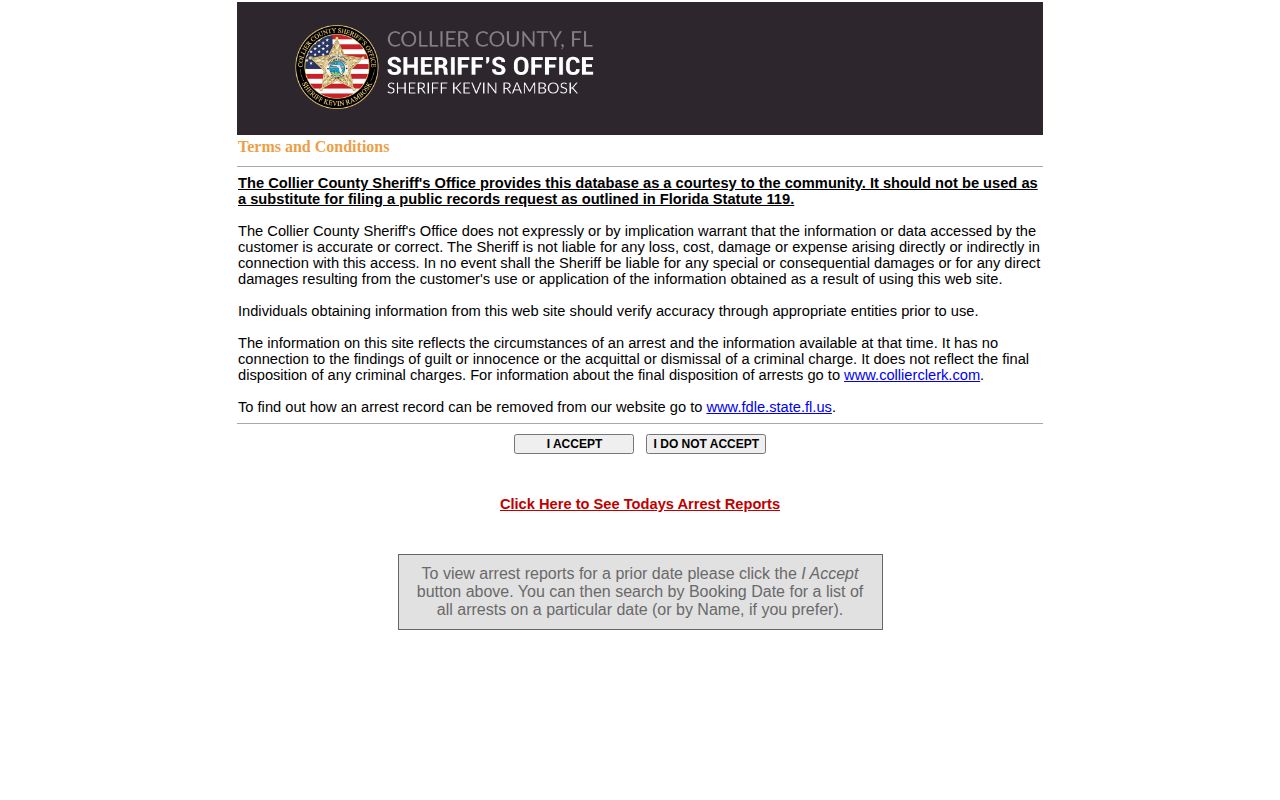
Record-type and custody filters keep an old booking or open warrant from masquerading as today's arrest.
When Collier Arrests Appear
CCSO publishes no minute-by-minute schedule. Intake involves several steps. Identity checks, photography, charge entry, classification, and database synchronization all precede a complete public detail. Arrest time and web appearance need not match. No official source assigns a fixed delay.
No county page carves out Saturday, Sunday, overnight, or holiday exceptions. Corrections work never stops. The report's refresh behavior, though, is undocumented. A blank or partial view remains an open timing question rather than proof that no booking occurred.
The calendar boundary sets another trap. "Today" follows the report's current-day grouping. "Last 24 hours" can cross midnight. A late-night arrest may land on the prior date once the report rolls over. Search that prior booking date in the accepted-terms portal before deciding an entry is missing. The broader date search also helps when intake finishes after the arrest date. Report the displayed booking date exactly as the source gives it.
The CCSO2go description lists a date and name search, charges, a ten-year county arrest history, and a photograph. The app adds an official access channel. It does not replace a formal records request.
Verify a Collier County Arrest
An arrest missing from today's report needs another look. Run the main Collier County portal search with ARREST selected. Add the "In Custody Only" filter when you only need to know who is still held. Phone numbers back up the portal. Jail Records answers at 239-252-9506. General inmate questions go to 239-252-9500, and Immokalee inmate information to 239-657-2878.
An arrest city tells you nothing about housing. CCSO runs both the Naples Jail Center and the Immokalee Jail Center. A person arrested in Marco Island or Everglades City can land in either building. The countywide portal beats a guess every time.
Both centers belong to a single corrections system for public lookup. Naples Jail Center sits at 3347 Tamiami Trail East. Immokalee Jail Center sits at 302 Stockade Road. Staff will confirm placement before you route a visit or a records question. Classification and safe housing needs drive every assignment. Never assume a building from the arrest location.
Before dialing, gather the exact name and birth date. Write down which filters you used on the portal and when you checked it. Those details let jail staff sort real absences from glitches. A spelling error, a date boundary, or a transfer can hide an arrest. So can a release or a booking record still in process.
Older or fuller Collier County arrest records come from Central Records. Reach that office at 239-252-0637 or records@colliersheriff.org. Include the full name, DOB if known, the date range, booking number, and arresting agency. A Chapter 119 request can surface material the convenience interface leaves out, subject to exemptions. For ongoing release or transfer notices, use the VINELink Inmate Check.
- Arrest
- The law-enforcement event.
- Booking
- Jail intake and record entry.
- Custody
- Current status in a named system.
- Disposition
- The later court result.