
Collier County Arrest Log
The multi-day route runs through the CCSO Arrest and Warrant Search. Accept the terms first. Then you can pull prior reports by booking date, showing every arrest posted for that day. Or search for one named person. CCSO publishes no separate weekly or seventy-two-hour download. "Weekly arrest log" simply describes your goal. Run a search for each date in the span. Keep that date with every result you save.
This date-by-date method differs from the current-day report, which changes as new bookings arrive. It works better for reviewing a full weekend. It also helps for checking a date after the system had time to sync. Or for tracing a booking after release. The portal's history reaches back to January 1, 2016. Treat that as the depth of the display. It is not a promise about where records truly begin or end.
The official Collier search page presents the county's date, identity, record-type, and custody controls.
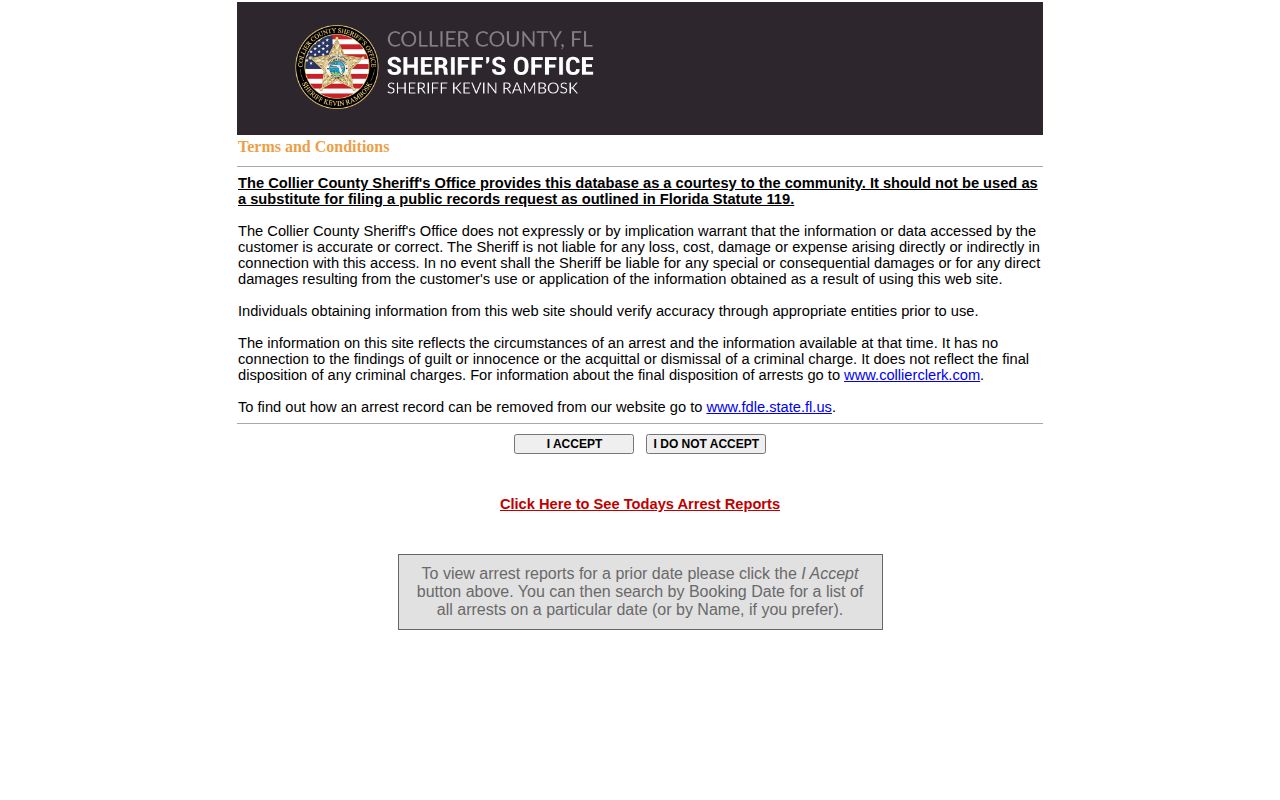
The live portal decides which records and dates are available.
Read the Collier County Blotter
Apply the same method to every date you review. That discipline stops one results page from becoming a shaky weekly total. It also cuts confusion from the portal's combined arrest and warrant design.
- Accept the official portal terms and choose ARREST instead of BOTH or WARRANT.
- Enter one booking date in MM/DD/YYYY format, then submit the search.
- Review the result type, full name, date of birth, and custody flag before opening a photo-linked detail.
- Repeat the query for each calendar date in the period and note the source date beside each result.
- Use a booking number or exact last name to resolve duplicates and searches approaching the one-hundred-hit cap.
- Check the Collier Clerk docket for the later public case record and disposition.
Turn to the Daily Arrest Report when you only need records posted today. It is a separate CCSO view. Do not fold it into a prior-date count without checking for overlap.
Collier Arrest Log Entry Fields
Each result row is compact. A linked detail page may add fields, though none is promised on every record. Booking date and incident time can differ. An "In Custody" value reflects the portal at the moment, not the validity of the arrest history behind it.
| Field | How to interpret it |
|---|---|
| Type | ARREST marks an arrest record; WARRANT does not establish a new booking. |
| Name and date of birth | Core identity fields; spelling and DOB help separate similar people. |
| Booking date and number | References for date-history searches and official record requests. |
| Arresting agency | Identifies CCSO, Naples Police, Marco Island Police, or another agency when shown. |
| Charges or offenses | Charges entered at booking, subject to later filing and court action. |
| Bond and court fields | Procedural information that may change after first appearance. |
| Custody status | A changing held or released indicator, not a final case outcome. |
| Photo link | A booking image route where available, not proof of guilt or present appearance. |
Someone can stay in arrest history long after release. A record can also go missing because of spelling, an exempt juvenile file, another jurisdiction, or a sync delay. Booking text often differs from what a court later decides. For the public disposition, confirm with the Clerk.
Collier Arrest and Warrant Results
The portal's design is a genuine local quirk. Both search modes can return arrests and active warrants in one result set. WARRANT digs into the active-warrant side. ARREST targets booking history. "In Custody Only" is just a filter, not proof an arrest ever happened. A "No" custody value may simply mean bond, release, or a transfer after booking.
The search takes last name, first name, date of birth, booking or arrest date, and booking number. The interface warns that the last name must be exact and offers guidance on first-name variation. It caps results at one hundred hits. For a common surname or a busy day, add a DOB or booking number. That cuts the noise. Never count a warrant row as a booking just because it sits beside arrest records.
City alone cannot settle jail placement either. CCSO runs Naples Jail Center and Immokalee Jail Center. Housing follows neither residence nor place of arrest. A Naples arrest can land in Immokalee, or the reverse. For current facility, release, bond, or court-date questions, call Jail Records at 239-252-9506. Do not guess from the arresting city.
News and Unofficial Arrest Archives
Start with official records. News and private archives can point you to a date, agency, or case worth checking, but none replaces CCSO or covers the whole county. Naples Daily News reports Collier crime and arrest stories. WINK News and NBC2 follow notable Southwest Florida cases. Florida Weekly and Coastal Breeze News add local texture. No local newsroom publishes a complete daily booking-photo blotter.
The Naples Daily News section shows a newsroom that picks which events to report rather than logging every booking.
Editors choose which arrests get stories. A newsroom's silence proves nothing about whether an arrest occurred.
Private pages build different archive overlays. RecentlyBooked offers a Collier index covering the last thirty days and advertises several refreshes per day. Mugshots.com skews historical. Arrests.org posts dated county pages with filters. All of them can omit records, duplicate people, blend agencies, or hold stale data. Their timestamps and counts are publisher claims, not CCSO totals.
The RecentlyBooked Collier page is an unofficial snapshot that still needs checking against the sheriff's portal.
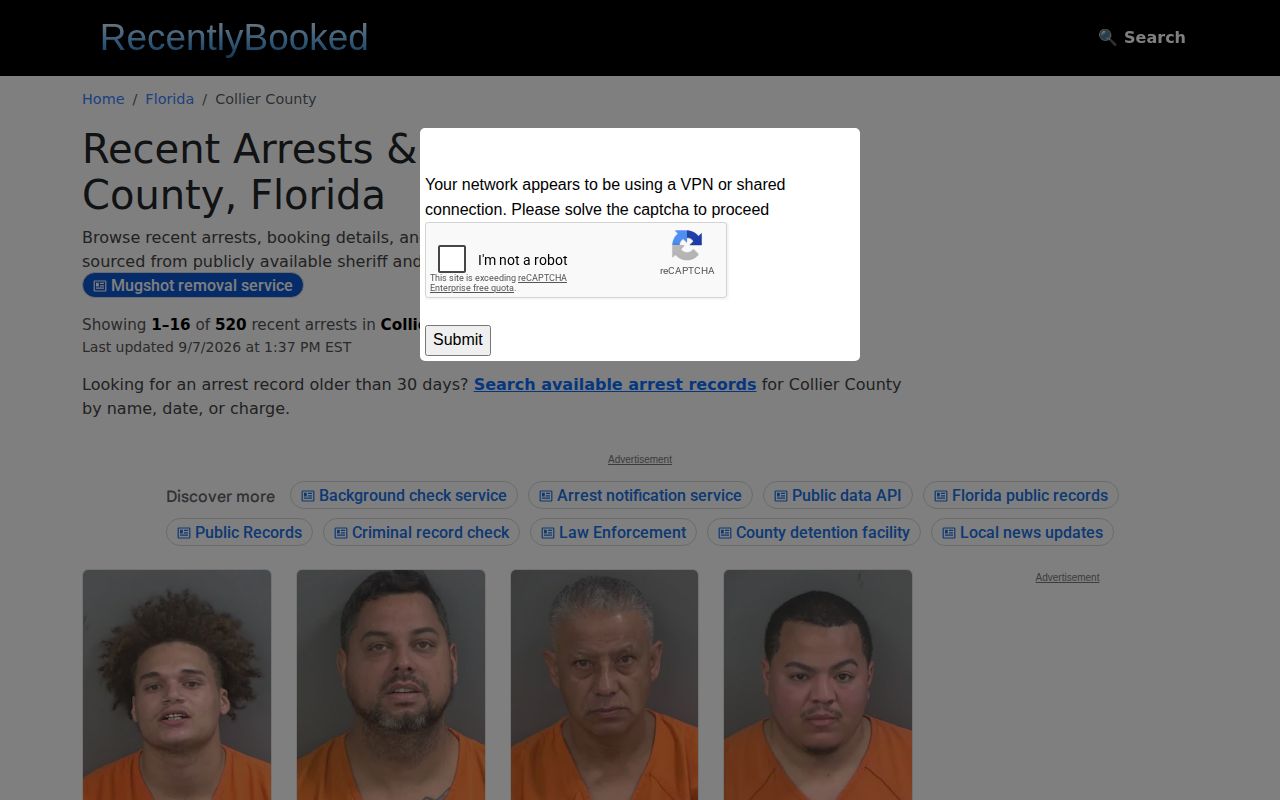
Use it as a search lead, nothing more. Its custody, charge, date, and photo details may be incomplete or stale.
Collier Weekend Booking Patterns
Collier County publishes no weekend surge figure through CCSO, no holiday rule, and no fixed refresh cadence. No last-update guarantee applies. Monday's results are not a complete weekend batch. One busy date is not a county trend. A booking becomes searchable only after intake, identification, photo processing, charge entry, release, and synchronization finish.
To cover a Friday-through-Sunday span, search each booking date on its own and save the date you searched. Revisit an incomplete day later. A late Sunday arrest might only become useful in the public interface after other processing finishes. The official source gives no quantified delay. Avoid promises about minutes or hours. If a named person stays missing, call Jail Records or send a focused public-record request.
CCSO2go offers another official channel. The agency's app description says its enhanced arrest log is searchable by date or name and includes charges, a photograph, and ten years of Collier County arrest history. App presentation can change by platform and version. The description creates no official weekly count and does not replace the record custodian.
Note: Keep the booking date and the search date together so a later reader can tell the event apart from the day the portal was checked.
Older Collier Arrest Records
What a portal shows and what the law requires are different things. The web interface starts at January 1, 2016. CCSO2go describes ten years of history instead. Neither source says an arrest record is destroyed once it leaves the screen, and neither promises downloadable weekly files. For older or missing Collier County arrest records, call the Central Records Bureau at 239-252-0637 or write records@colliersheriff.org. Give the full name, date of birth if known, booking or arrest date range, booking number, and arresting agency.
Florida's General Records Schedule GS2 lists "Arrest Records: Offender Information" and keeps it on file until it is obsolete, superseded, or loses administrative value. It does not make every field public. It does not demand permanent web display. Warrants, capiases, and orders follow a different rule. They stay on file until satisfied, canceled, withdrawn, or otherwise disposed. Ask the agency which series applies. A vanished web row may still exist.
If CCSO cannot locate an older series, ask for the records-management liaison and whether the material was lawfully disposed, stored elsewhere, or transferred. The State Archives of Florida holds historically significant state material. Selected local records sit there too. Current Collier booking photos are not collected there automatically. Modern bookings start with Central Records. Historical research can then move to the Archives catalog with the agency, jail, date range, and record type in hand.
A strong request asks for all releasable booking and arrest records, plus the booking photograph, for the named person and date range. It should also ask which retention series applies. Disposition or transfer details matter if the item left the web. That wording follows the official evidence trail rather than treating a commercial archive as the custodian.
Note: Removal from a web search does not by itself erase the agency record or the later court docket.